
Free for macOS 14 and later
Convert images to WebP on your Mac
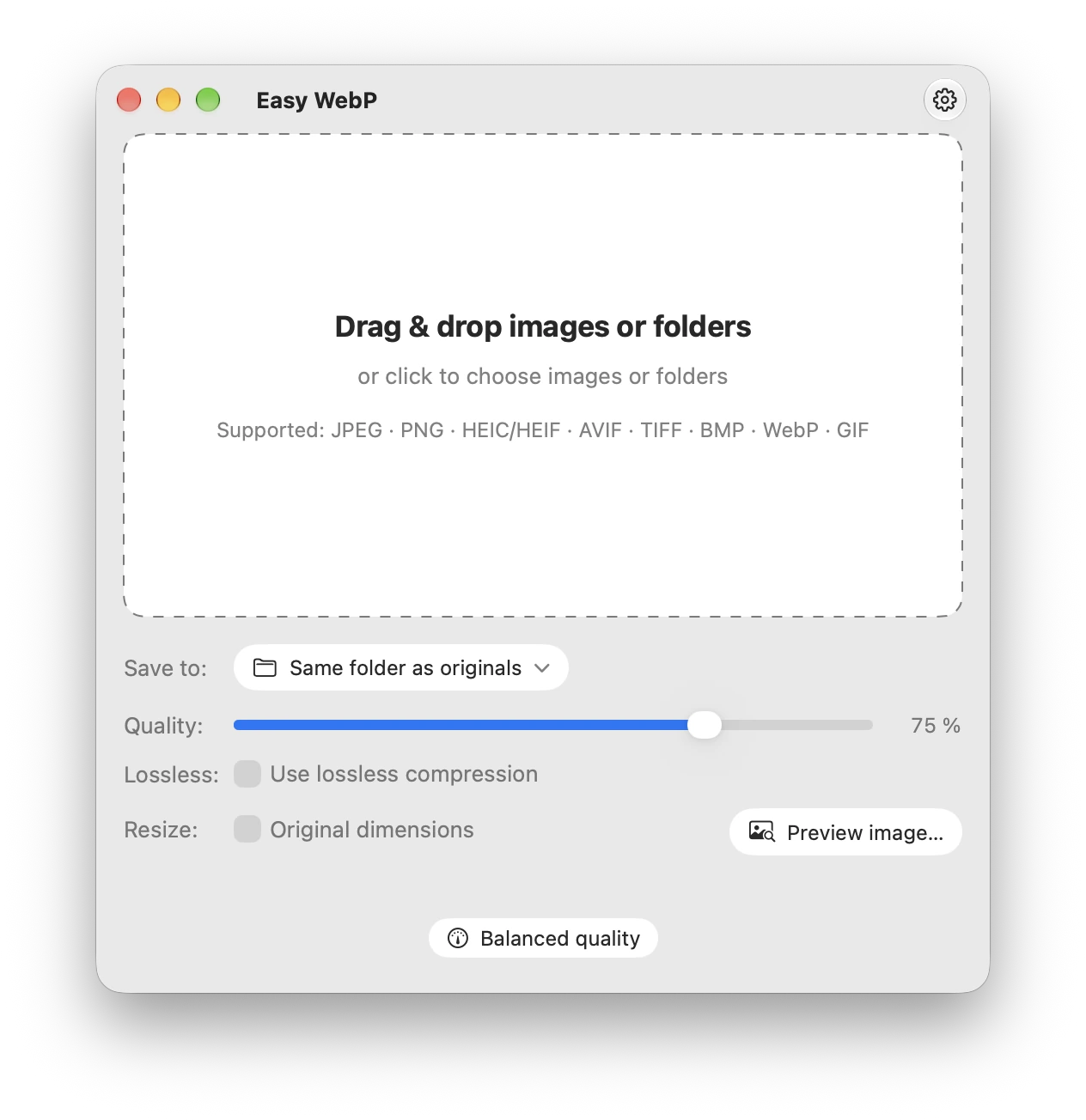
Photos, screenshots and animations, ready for WebP. Choose your settings, then drop images or a whole folder to convert. All on your Mac.
See the difference.
Choose your settings.
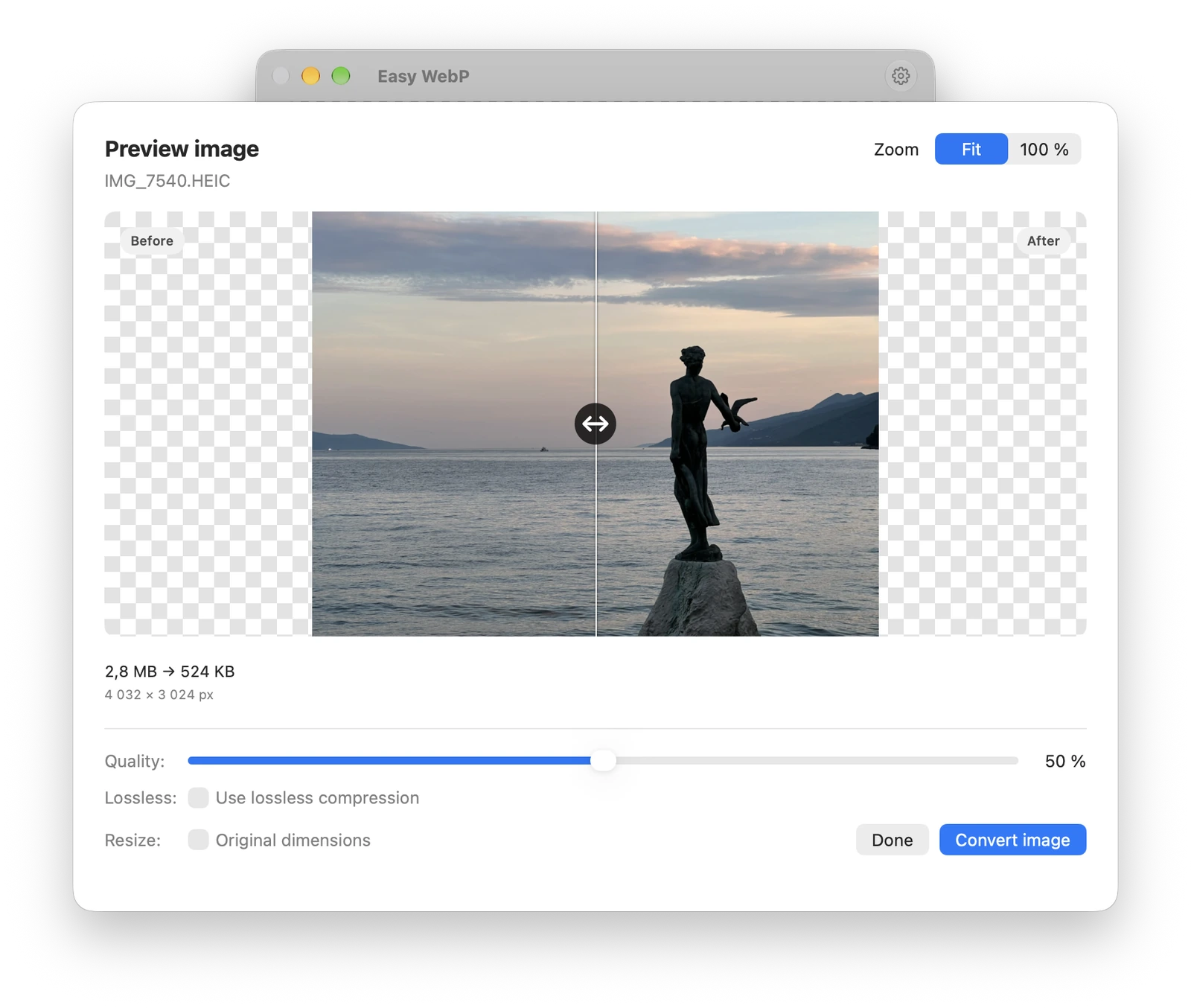
Check the details. Adjust the quality. Know the file size before you save.
Drag. Drop. Done.
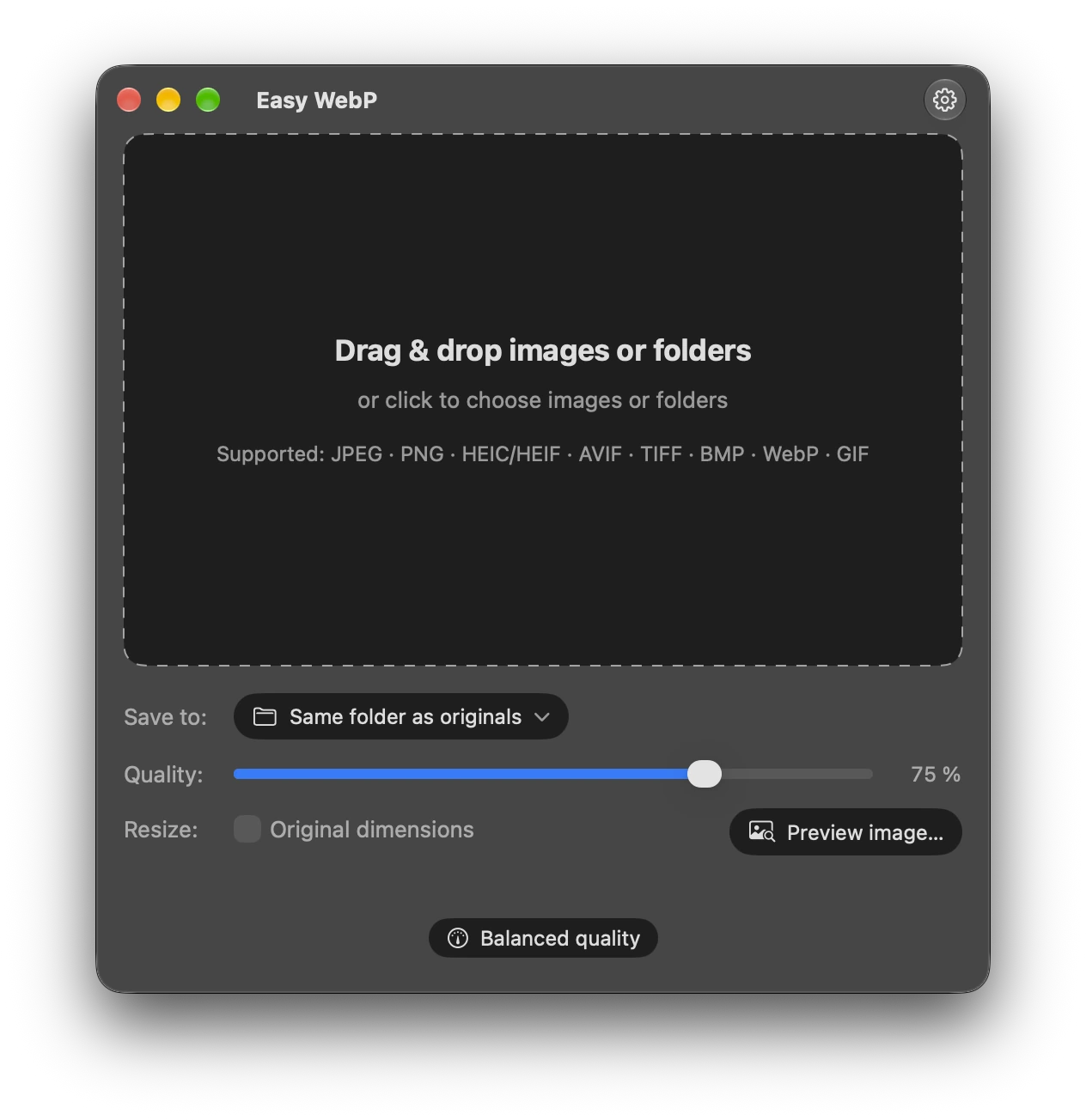
Choose your settings, then drop images or folders to convert them. Save beside your sources or in a folder you choose.
Before & after
Want to check the result first? Open an image in Preview to compare quality and file size before converting.
Completely private
Your images never leave your Mac. No cloud uploads, no accounts, no analytics. Conversion works entirely offline.
Convert animations
Convert GIFs and animated WebP files to WebP, with animation preserved. Preview playback side by side, or pause to compare a frame.
Quality & resize
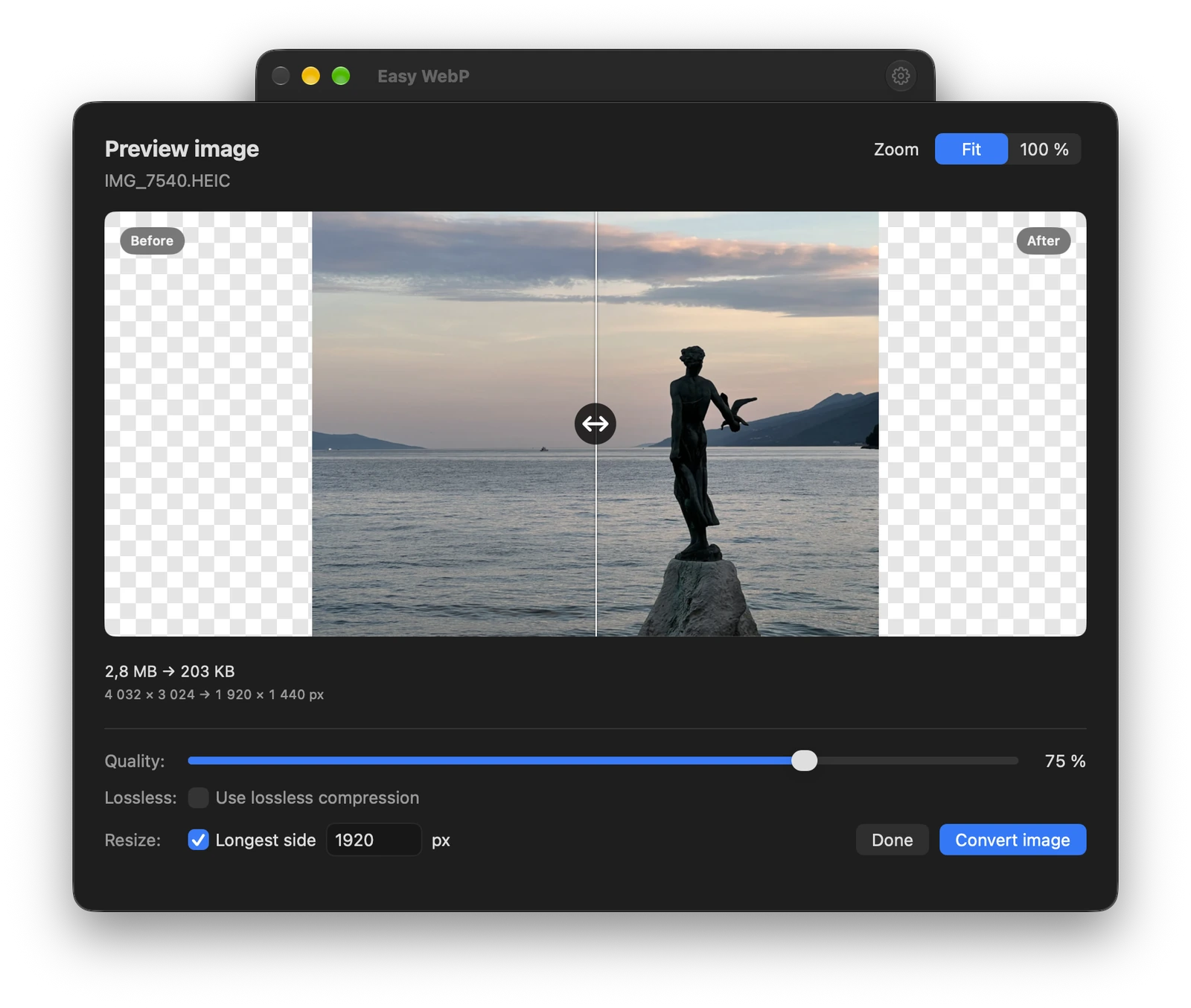
Adjust quality or choose lossless WebP compression. Set a maximum longest side when you need smaller dimensions.
Resize your images.
Set the longest side in pixels. Resize an entire batch while keeping the original proportions. Smaller images stay at their original size.
A few useful details
Which formats can I convert?
JPEG, PNG, HEIC/HEIF, AVIF, TIFF, BMP, WebP and GIF. The output is always WebP. AVIF support is for still images only.
Does it support animations?
Yes. GIFs and animated WebP files are converted to WebP with animation preserved. Quality, lossless and resize settings apply to animations too, with synchronized playback and a pause control in the preview.
What does the preview show?
Before shows the input at your chosen output dimensions. After shows the actual encoded WebP result. Move the vertical divider to compare them. Choose Fit or 100% zoom, or pinch to zoom on your trackpad.
How does resizing work?
Choose a maximum length in pixels for the longest side. Easy WebP keeps the proportions and leaves smaller images at their original dimensions.
Will every file be smaller?
File size depends on the source image and your settings. Some WebP files, especially with lossless compression, can be larger. Check the size comparison in the preview before exporting.
Which Macs are supported?
Easy WebP runs on Intel and Apple Silicon Macs with macOS 14 or later. It is free to download, and conversion works offline without an account.
Contact me at support@julis.sk
Questions, an issue or an idea? Get in touch.
For a bug, include your macOS version.
Your next image, in WebP.
Free for macOS 14 and later. Supports Intel and Apple Silicon.